
407 Proxy Authentication Required: Fix Proxy Login Errors
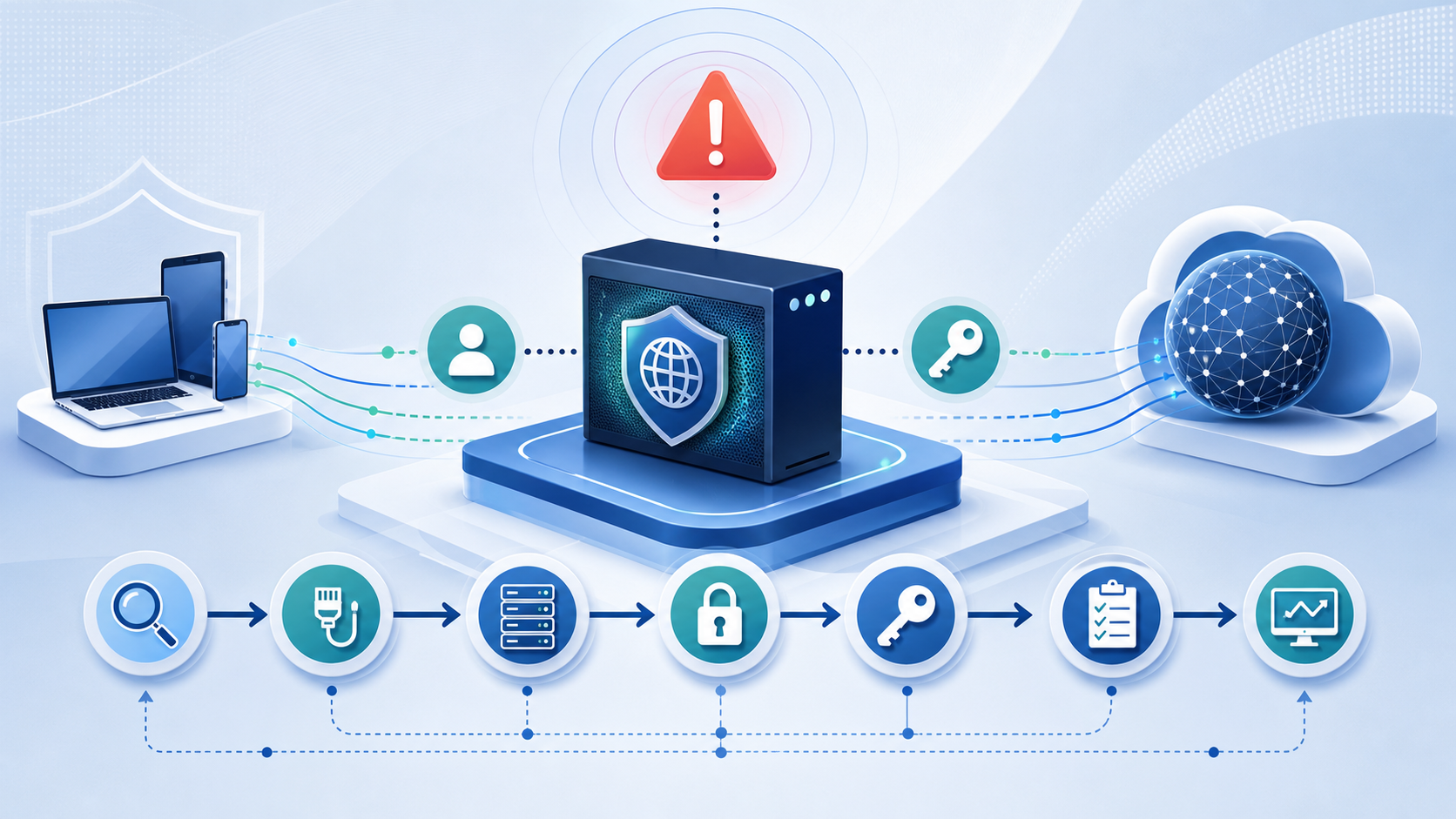
A 407 error means the proxy asked for authentication and your request did not send credentials the proxy accepted. Fix the login path before changing IPs: confirm the proxy endpoint, username, password, authentication method, and proxy URL format, then test the same details in a second client.
Confirm the error is coming from the proxy
Treat 407 as a proxy-layer error first. According to MDN’s HTTP 407 reference, the proxy requires valid authentication before it will forward the request. That is different from a website rejecting your request after the proxy connection succeeds.
Use this quick separation:
- If the response includes
Proxy-Authenticate, the proxy is asking for credentials. - If the target website returns 401, 403, 429, or CAPTCHA after the proxy connects, authentication probably worked and the next problem is target-site access, rate limit, or IP reputation.
- If every target URL fails with 407, focus on proxy login details, not the destination site.
Cloudflare also describes 407 as a proxy-authentication status in its 407 status code note. The practical conclusion is simple: a new IP pool will not fix a request that never authenticates with the proxy server.
Check the proxy endpoint, scheme, and port first
Many 407 cases start with a proxy URL that points to the right provider but the wrong entry point. Verify these fields exactly as your proxy dashboard or plan shows them:
- scheme:
http,https,socks5, orsocks5h - hostname: gateway domain or assigned IP
- port: the port assigned to the protocol and product type
- username format: plain username, zone/session username, or username with country/session parameters
- password or token: current value, not an old copied value
Example HTTP proxy URL pattern:
http://username:[email protected]:portExample SOCKS5 proxy URL pattern:
socks5://username:[email protected]:portA SOCKS5 endpoint placed into an HTTP-only proxy field can fail before the request reaches the target website. An HTTP proxy endpoint placed into a SOCKS-only client can create the same kind of false diagnosis.
If you are choosing between residential and datacenter endpoints, use the provider page for that product line rather than mixing formats. For YiluProxy English, you can review the residential proxy setup path or compare the datacenter proxy endpoint options before retesting.
Validate credentials without adding rotation or session options
Start with the simplest valid username and password combination. Remove optional country, city, session, lifetime, or rotation parameters for the first test unless the provider requires them.
Run this sequence:
- Copy the username and password from the current account panel.
- Paste them into a plain text editor to catch leading spaces, trailing spaces, smart quotes, or invisible characters.
- Test with a basic endpoint and one public URL.
- Add country, city, sticky-session, or rotation options only after the base login succeeds.
This avoids a common trap: blaming the password when the real issue is a malformed username parameter such as an invalid country code, expired session token, or unsupported zone string.
Encode special characters in the proxy URL
If your username or password is placed inside a URL, special characters must be URL-encoded. This matters when credentials contain characters such as @, :, /, #, ?, &, %, or spaces.
Example problem:
http://user:pa@[email protected]:8000A client may read the first @ as the separator before the host. The password is no longer parsed as pa@ss; the URL is split incorrectly.
Encode the password before placing it in the proxy URL:
http://user:pa%[email protected]:8000If your tool has separate fields for host, port, username, and password, use those fields instead of a single combined proxy URL. Separate fields reduce parsing mistakes.
Match the authentication method your client supports
407 can also appear when the proxy requests an authentication scheme your client does not send correctly. HTTP proxies commonly use headers such as Proxy-Authenticate and Proxy-Authorization. Some corporate environments may involve Basic, Digest, NTLM, or Kerberos-style flows, while commercial proxy services often expect simple username/password authentication.
Check these points:
- Does the client support proxy authentication at all?
- Does it support the proxy scheme you selected?
- Does it require a separate proxy username/password setting instead of credentials inside the URL?
- Does it use environment variables such as
HTTP_PROXY,HTTPS_PROXY, or tool-specific proxy settings? - Is another system proxy setting overriding your application-level proxy?
For npm, pip, Postman, browser extensions, IDEs, scraping libraries, and command-line tools, inspect the tool’s own proxy documentation. A working proxy URL in one client does not prove another client is configured the same way.
Test with curl before changing the application
Use a controlled test client to separate proxy account issues from application configuration issues.
For an HTTP proxy:
curl -v -x http://username:[email protected]:port https://example.com/For a SOCKS5 proxy:
curl -v --socks5 username:[email protected]:port https://example.com/Watch for these signals:
407 Proxy Authentication Required: credentials, auth method, endpoint, or URL parsing still needs work.- successful HTTP response from the target: proxy authentication works; move back to the application settings.
- 403, 429, CAPTCHA, or blocked content from the target: authentication is not the main issue anymore.
- DNS or connection timeout: check hostname, port, firewall, and protocol support.
When curl works and the application fails, copy the working pieces into the application one by one: scheme, host, port, username, password, and any session parameter. Avoid changing several fields in one attempt.
Handle rotating and sticky-session credentials carefully
Rotating proxies add one more place for mistakes: the username may carry session, region, or rotation options. A 407 error can happen when the base credentials are correct but the option string is invalid for that plan.
Check these rotation-specific items:
- The selected country or city is available in your plan.
- The session identifier uses allowed characters.
- The session lifetime is within the supported range.
- The product endpoint matches the product type: residential options on a residential gateway, datacenter options on a datacenter gateway.
- The account has balance, quota, or authorization for that proxy type.
If the simple login works but the parameterized login fails, the next fix is the parameter string, not the password.
You can also check the proxy types and endpoint formats available for your setup when deciding which product endpoint should carry the test.
Use this order when the 407 error appears in a real tool
Follow this order and stop when the symptom changes:
- Confirm the response is really 407 and includes proxy-authentication language.
- Test the same proxy in curl or another simple client.
- Recheck scheme, host, and port against the selected proxy product.
- Re-enter username and password from the account panel.
- URL-encode credentials if they are embedded in a proxy URL.
- Remove optional country, city, session, or rotation parameters.
- Confirm the client supports the required proxy authentication method.
- Check whether environment variables or system proxy settings override the app.
- Add proxy parameters back one at a time.
- Escalate to provider support with the exact timestamp, endpoint, protocol, client name, and sanitized error output.
The useful stopping point is not “no error exists.” The useful stopping point is when 407 becomes a different response. Once proxy authentication succeeds, remaining failures belong to target-site access, request rate, IP reputation, geolocation, or application behavior.
What to send support if the error remains
Send support a compact diagnostic packet. Include:
- proxy product type, such as residential, datacenter, rotating, or static
- protocol and port, without exposing your full password
- client or library name and version
- whether curl succeeds with the same endpoint
- whether the error appears before every target site or only one target site
- a sanitized proxy URL format, for example
http://user:***@host:port - timestamp and region/session options used in the test
Avoid sending screenshots that expose full credentials. A clean diagnostic packet lets support check account authorization, endpoint availability, product routing, and parameter syntax faster.
Bottom line
For 407 Proxy Authentication Required, fix proxy authentication before evaluating IP quality. The fastest path is endpoint check, clean credential test, URL encoding check, auth-method check, controlled curl test, then rotation/session parameters. Only move to IP reputation, rate limits, or target-site blocking after the proxy accepts your login.